TLD Pricing Grid
Components
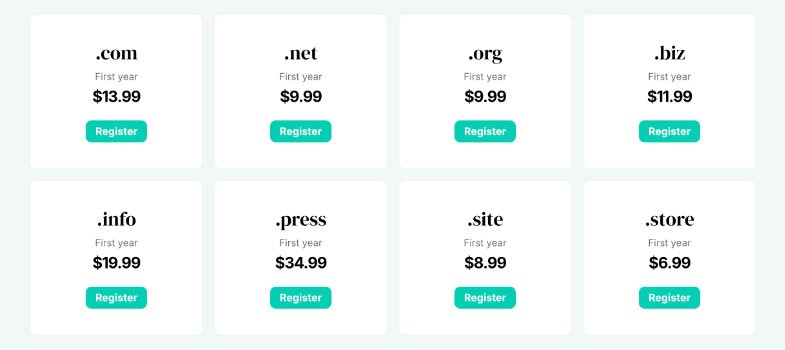
This component requires a short setup before you can fully customize it. Make sure you’ve already imported your WHMCS products and TLDs.
After adding the component you may see the following message: Loading Collection — Collection does not exist. This is expected and means the component still needs to be connected.
Instructions
Click the component.
In the right sidebar, open the Source → Select… dropdown and choose Domains.
Select the TLD element and click + Content in the right sidebar. Then choose Set Variable > TLD.
Select the price component and click + Content in the right sidebar. Then choose Set Variable > Register (Your Currency).
For the fallback price, click + Fallback and choose Set Variable > Register (Your Currency).
Select the button, click Missing, and choose your domain detail page link, for example /domains/:slug (if you’ve created CMS detail pages for domains).